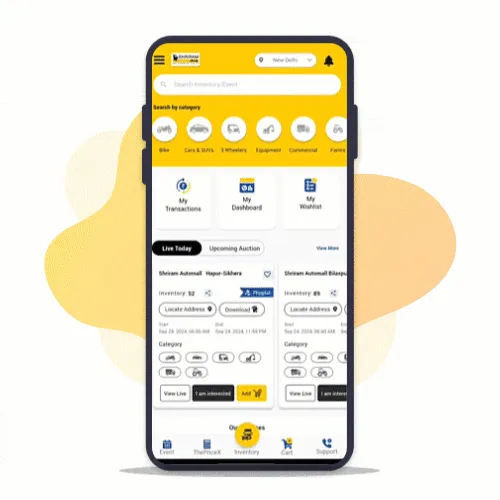
phone icon  18001024141 app download icon  Download Our App
hamburger menu icon
login icon
phygital auction icon
digital payments icon
registration icon
proxy icon
bid live icon
inventories icon
event icon
transaction icon
refund icon
hassle free bidding icon
instant notification icon

Login to My Samil App

Participate in Live auctions Pan India

Step : 1

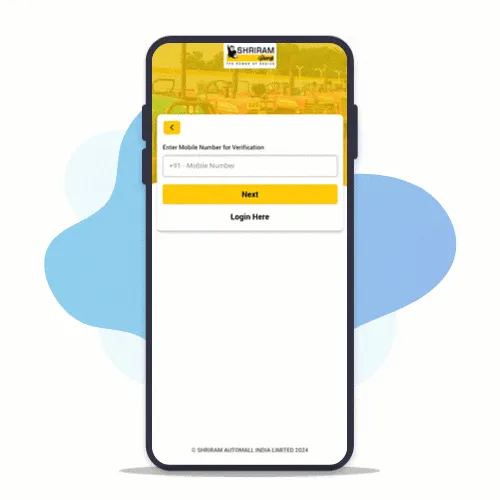
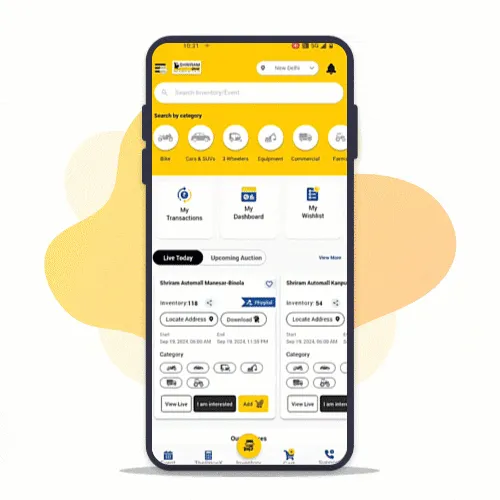
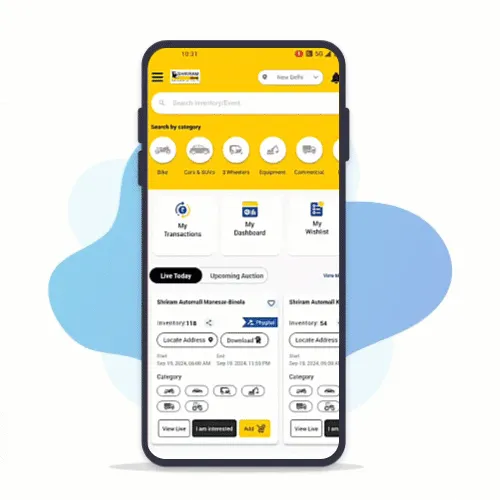
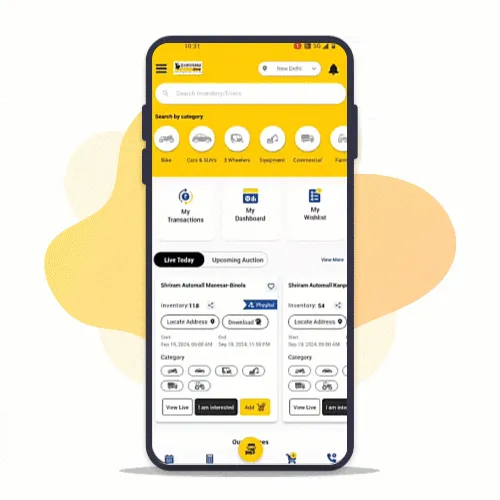
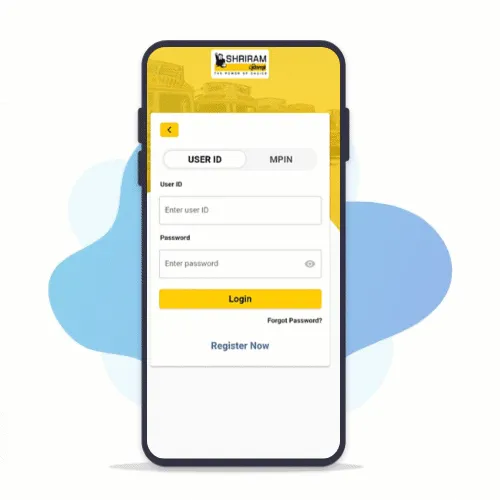
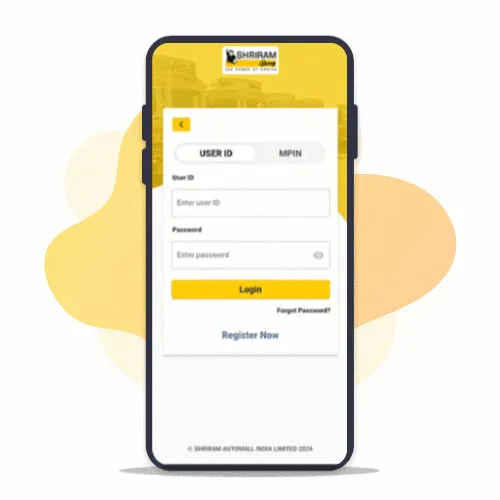
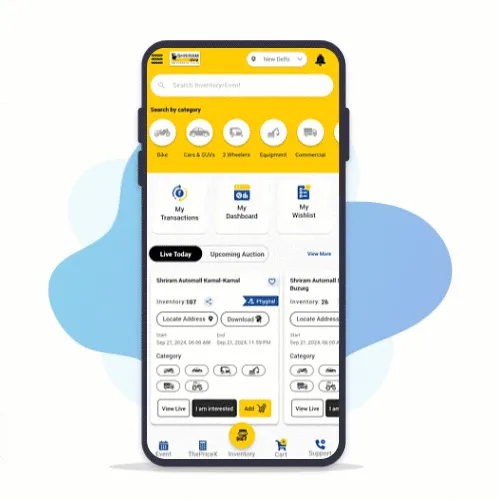
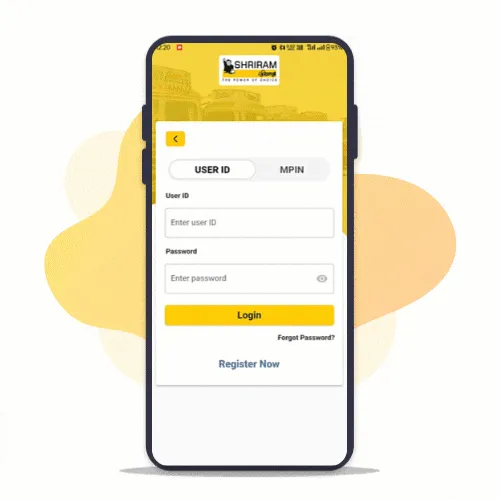
Go to Login Screen

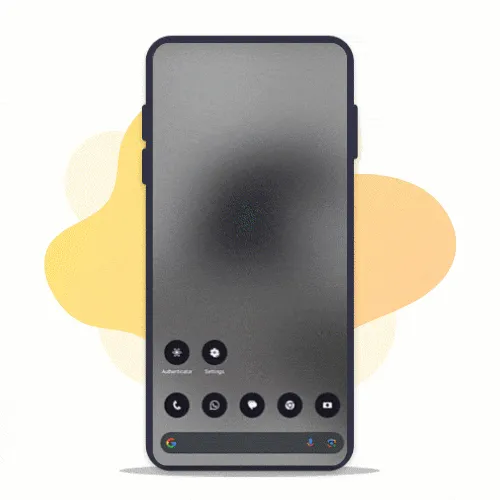
  • Open MySAMIL App
  • Tap on Menu
  • Tap on Logins
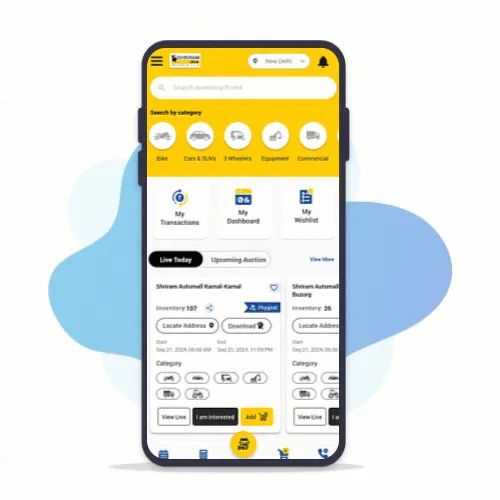
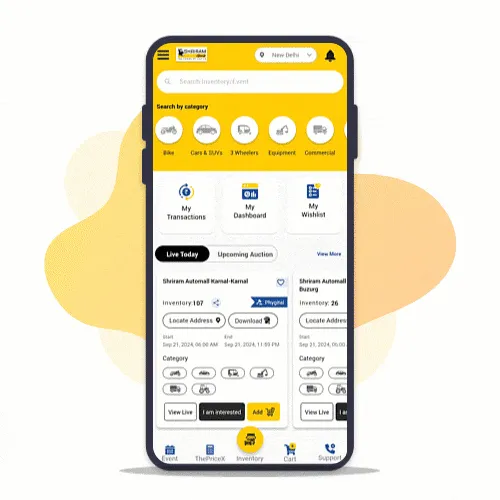
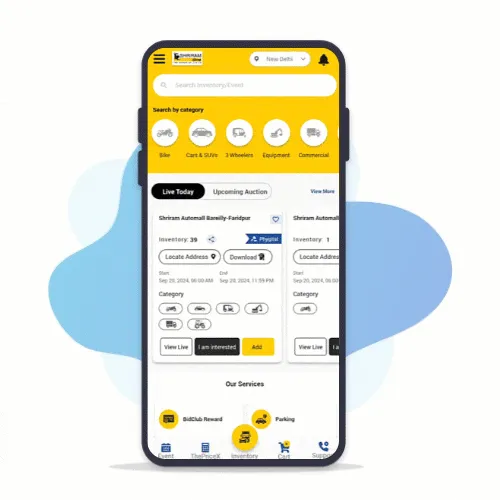
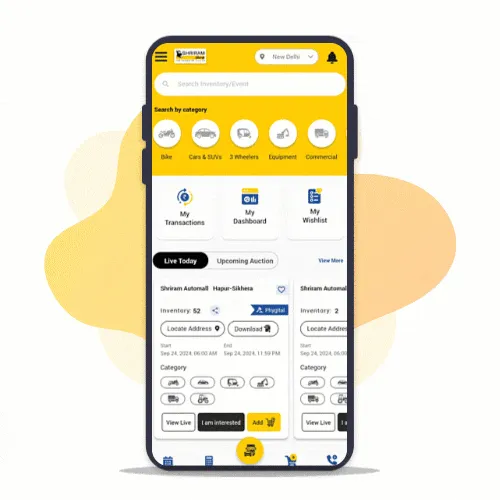
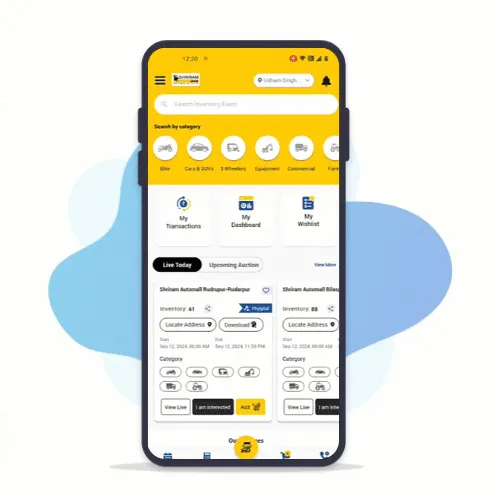
login tutorial GIF 1
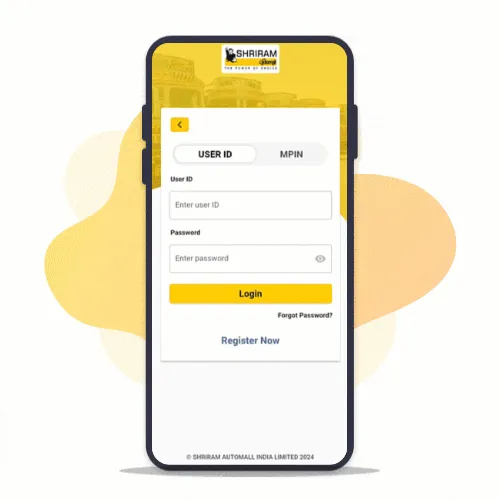
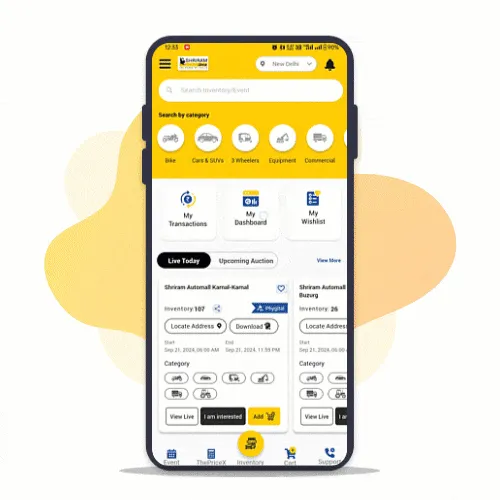
login tutorial GIF 2

Step : 2

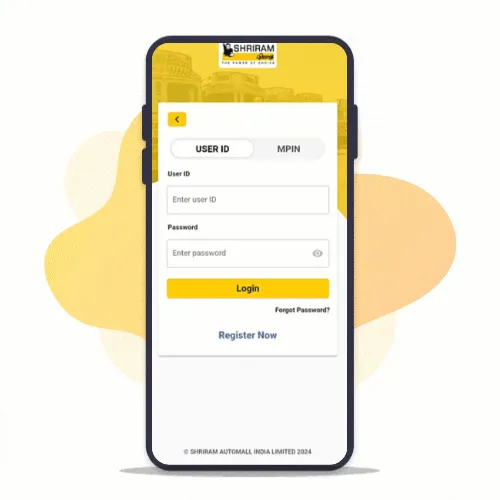
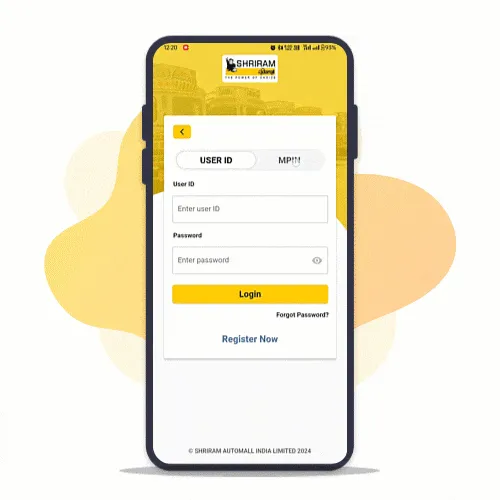
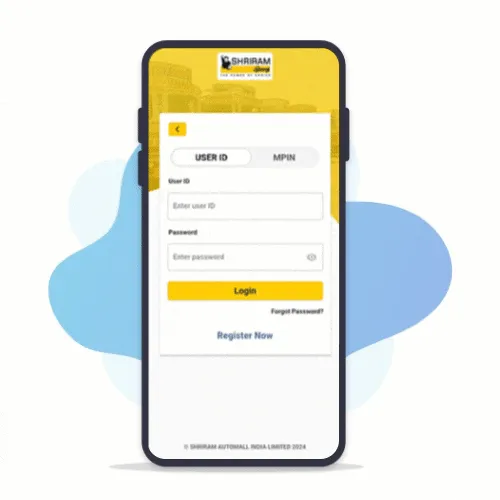
Login with your Username or Registered Mobile Number

  • Enter your Username/Registered Mobile Number
  • Enter Password

Step : 3

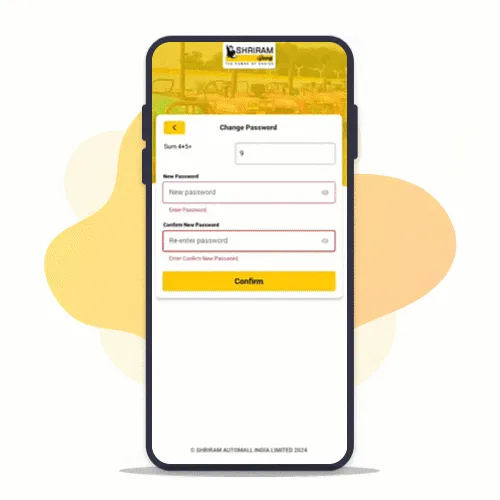
Reset Your Password

  • Tap on Forgot Password
  • Enter your Registered Mobile Number
  • Enter OTP sent to your Registered Mobile Number
  • Answer security question & Set new password
change password GIF

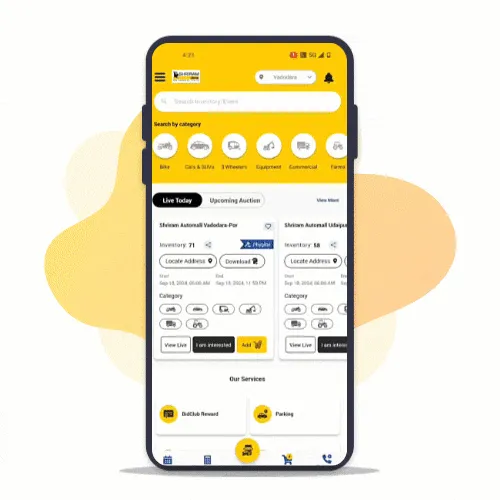
Phygital Auctions on MySAMIL App

Enjoy Live Bidding at Your Comfort!

Step : 1

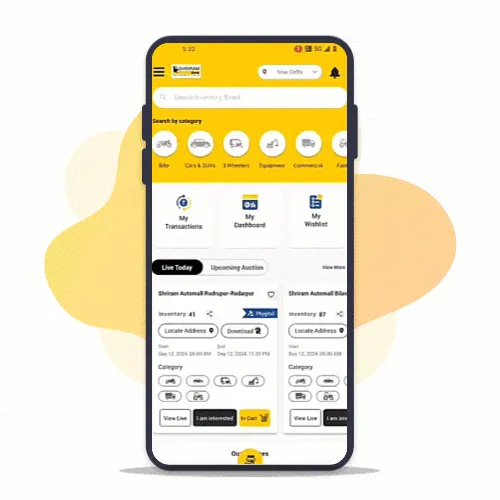
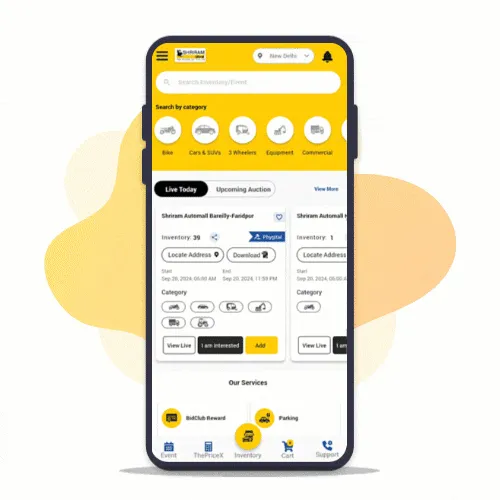
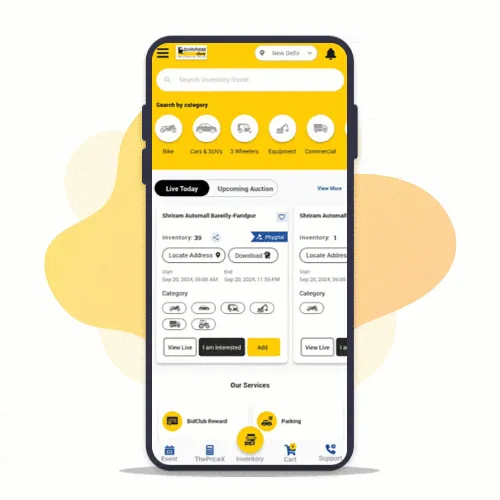
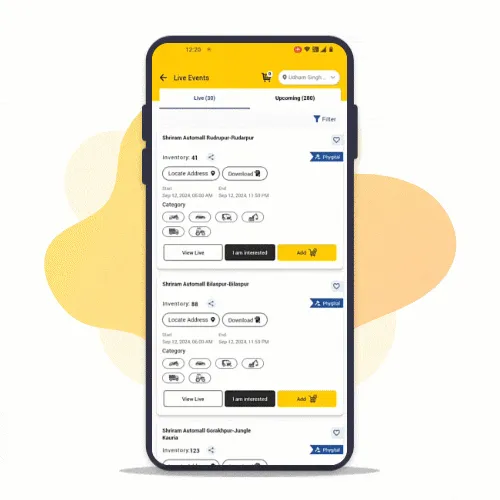
Explore list of Events!

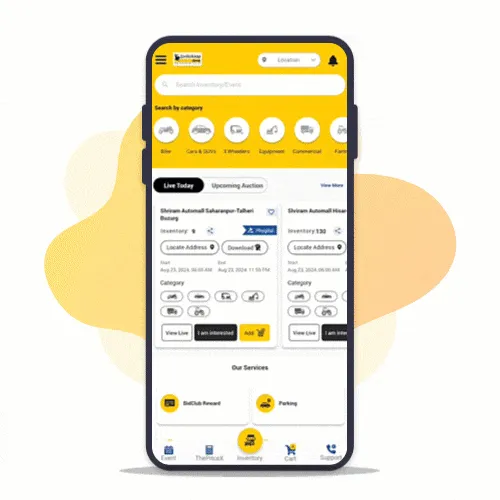
Browse and select from Live events at your location

phygital auctions GIF 1
phygital auctions GIF 2

Step : 2

Join an event!

Add selected events to cart and Pay RSD with MySAMIL App to participate

Step : 3

Bid Live!

Watch and listen to physical auction as your favorite vehicle goes live on MySAMIL App

phygital auctions GIF 3
phygital auctions GIF 4

Step : 4

Participate in Auction!

Place bids on your favourite vehicle and become a winner

Digital Payments made easy from MySAMIL App!

Make fast, secure and reliable payments via UPI, Cards, Netbanking etc.

Step : 1

Go to PAY

Go to "My Dashboard" or Open "Pay" from menu after login

digital payment GIF
digital payment GIF

Step 2:

Select Services

Select the service you want to pay for - RSD, BidClub or add money to Wallet

Step 3:

Pay Now

Pay from variety of modes - SAMIL Wallet, UPI, Cards, Net banking etc.

digital payment GIF

Quick & Hassle-free registration with MySAMIL App

Register yourself on MySAMIL App & participate in Pan India auctions

Step : 1

Enter Your Mobile Number

Enter preferred mobile number to register and verify with One Time Password

new registration GIF 1
new registration GIF 2

Step 2:

Upload Your KYC

Upload your Aadhaar, PAN or License & the App will autofill your details based on KYC uploaded

Step 3:

KYC Auto-Verified

Uploaded KYC is auto-verified for a smooth registration experience!

new registration GIF 3

Proxy bid via MySAMIL App

Watch your favorite vehicles live during auction & bid in real-time from anywhere

Step 1 of proxy configuration tutorial

Step : 1

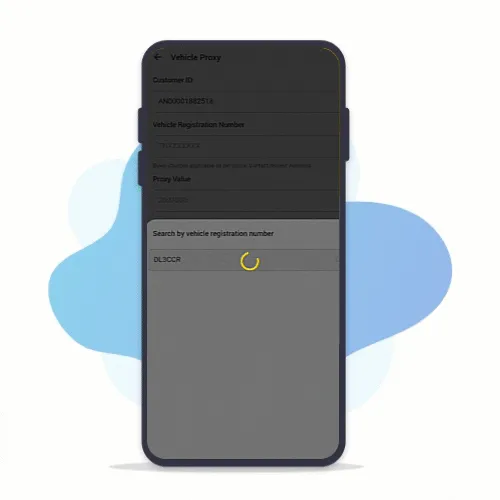
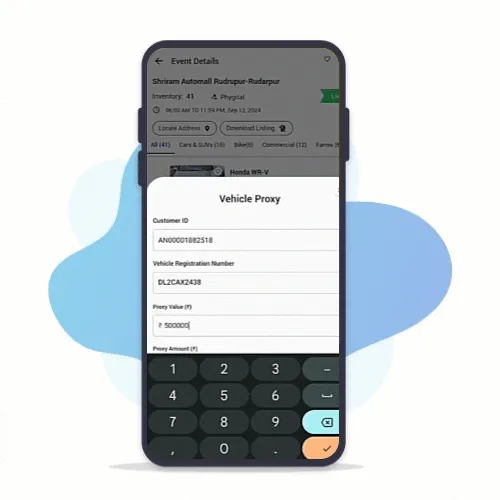
Access Proxy (Menu/Event)

Open Vehicle Proxy from Menu after login in MySAMIL app

OR

Tap on Pay Proxy button against vehicles from event details screen

Step 2 of proxy configuration tutorial
Step 3 of proxy configuration tutorial

Step 2:

Pay Proxy against interested vehicle

Enter registration number & Pay Proxy amount

OR

Select vehicle from inventory & Pay Proxy amount

Step 4 of proxy configuration tutorial

BidLive on MySAMIL App

Watch your favorite vehicles live during auction & bid in real-time from anywhere

Step : 1

Access Live Events

Tap on "View Live" to access live events on My SAMIL App

bid live GIF 1
bid live GIF 2

Step : 2

Watch in Realtime

Use toggle switch to view live auction streaming

Step : 3

Bid Now

Bid in Realtime on your interested vehicle from anywhere

bid live GIF 3

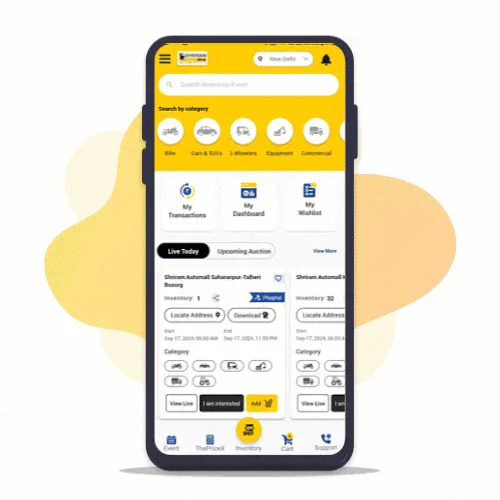
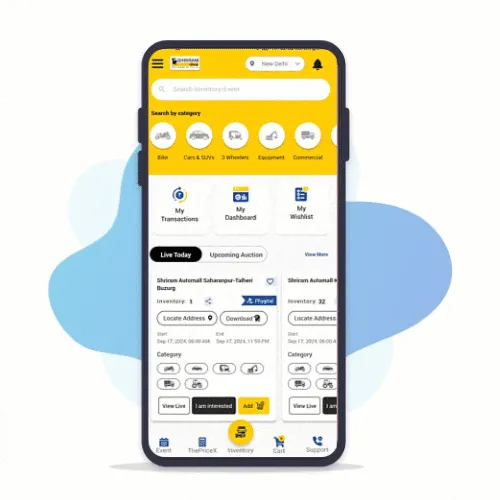
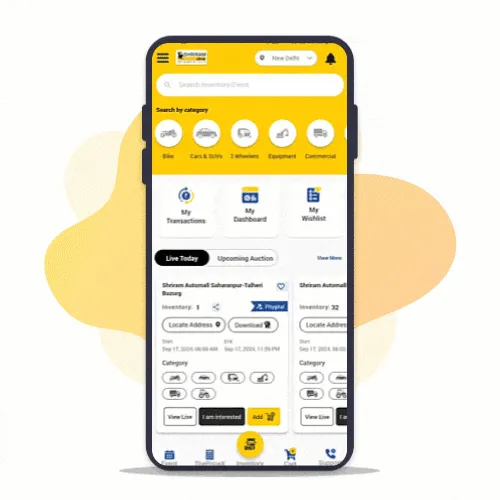
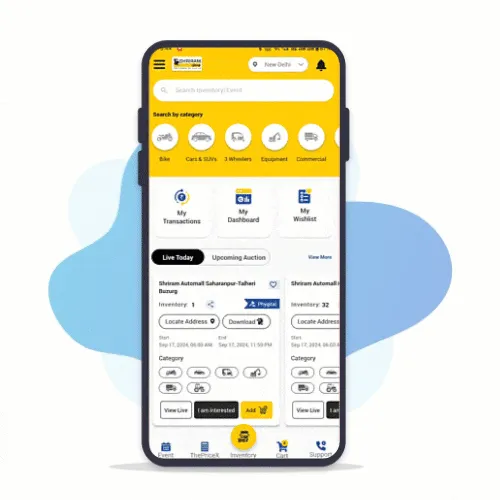
Explore wide range of inventories on MySAMIL app

Search vehicle of your choice from 10,000+ Inventories across categories PAN India.

Step : 1

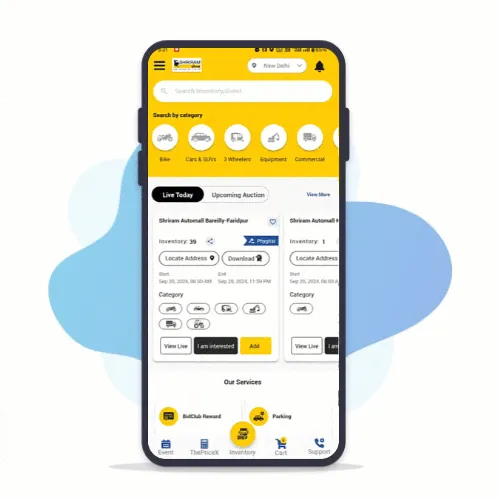
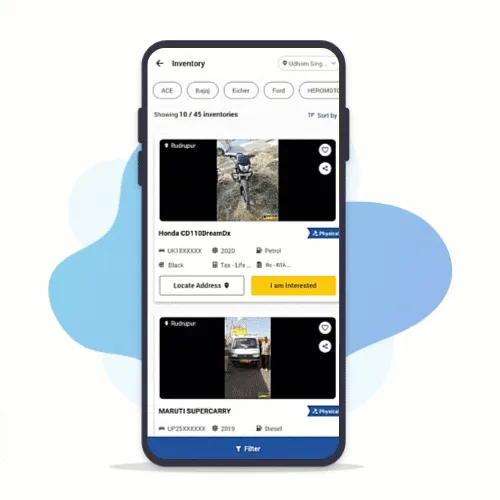
Access Inventories

Browse 10,000+ inventories on MySAMIL App

inventory gif1
inventory gif2

Step : 2

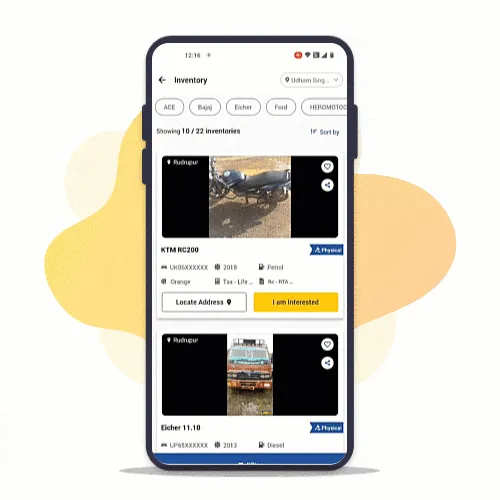
Search & Filter

Narrow down the search via filters to get desired results

Step : 3

Visit Automall

Click on "Locate Address" and know the location of event

inventory gif3

Event Calendar on MySAMIL App

Stay informed about upcoming events & your desired inventory at/near your location!

Step : 1

Go to Events

Browse through events at your location

Change to near by location to view more inventories

event calender gif1
event calender gif2

Step : 2

View All Events

Tap on "View All" to explore all live and upcoming events & Inventories

Step : 3

Apply Filters

Apply filters to narrow down your search for desired event/inventory like: Location, Date, Event mode, Bidding Type etc..

event calender gif3

All Transactions & Bid History at One Place

Access your entire Transactions & Bid history on MySAMIL App!

Step : 1

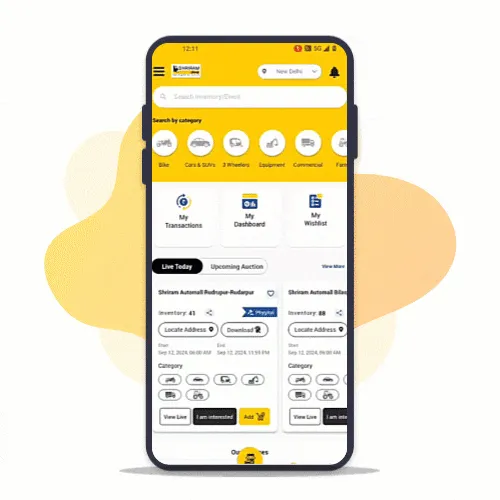
Login to MySAMIL App

Login to MySAMIL app by using your registered mobile number, Fingerprint or MPIN

transactions gif1
transactions gif2

Step : 2

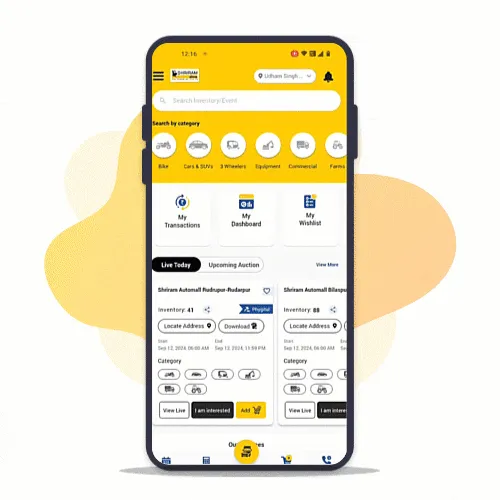
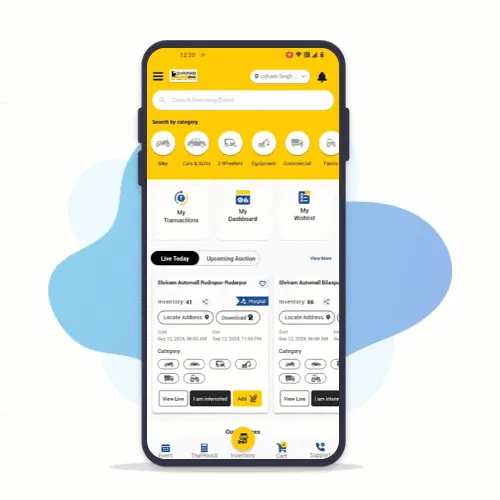
Open "My Dashboard"

Go to "My Dashboard" from home screen

Step : 3

Open Transactions

Click on "Transactions" to view all history

transactions gif3
transactions gif4

Step : 4

Open Bid History

Click on "Bid History" to view Won and Lost auctions

Refunds Made Easy

Didn't get desired vehicle on auction day. Instantly raise RSD refund request.

Step : 1

Login to MySAMIL App

Tap on "View Live" to access live events on My SAMIL App

refund gif1
refund gif2

Step : 2

Open "My Dashboard"

On home screen, tap on "My Dashboard"

Step : 3

Go to "My Wallet"

Open Wallet to raise a refund request

refund gif3

Hassle-free bidding on Different Events at Same Time

Now easily participate in multiple events to get desired vehicles across PAN India!

Step : 1

Login to MySAMIL App

Login using Password,Fingerprint or MPIN

bidding gif1
bidding gif2

Step : 2

Explore PAN India events

Explore list of events from PAN India & select your events

Step : 3

Add to Cart & Pay

Add multiple selected events to Cart and make RSD payment

bidding gif3
bidding gif4

Step : 4

Switch between multiple auctions & keep bidding

Go to Bidding screen and switch between multiple events easily

Stay informed with Instant Notifications

Now get notified on real-time bidding, transactions etc.. on MySAMIL App

Step 1:
Enable Notifications

To enable notifications, go to settings and give permission for MySAMIL App

notification gif1
notification gif2

Step 2:
Login to MySAMIL App

Login to MySAMIL app by using your registered mobile number, Fingerprint or MPIN

Step 3:
Notifications on Home Screen

Stay notified even when your not active on MySAMIL

notification gif2
notification gif3

Step 4:
Access Notifications

Tap on bell icon to access all received notifications

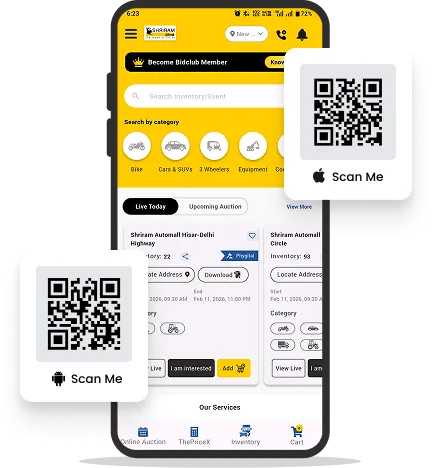
Download the MySamil App

Take control of your bidding experience with the MySAMIL mobile application, designed to make participation faster, smarter, and more convenient.

  • live bidding
    Live Bidding on the Go
    Participate in live auctions and place bids anytime, from anywhere.
  • smart notifications
    Smart Notifications
    Get instant alerts for auctions, events, and inventory matching your interests.
  • registration and kyc
    Easy Registration and KYC
    Register seamlessly and upload your KYC documents directly through the app.
  • proxy bidding
    Proxy Bidding Made Simple
    Submit proxy bids for vehicles you are interested in and stay competitive.
MySamil mobile app